
Concrete break data management has always meant working across too many places at once. Lab reports land in inboxes, results get entered manually into spreadsheets, and your live SmartRock® sensor data tells one part of the story while your cylinder break results sit somewhere else entirely. Connecting those dots takes time, manual effort, and creates limited visibility across teams.
In this blog, learn how you can eliminate manual data entry, centralize your QC documents, and give your team a complete view of concrete quality from first pour to final break.
Managing Break Data By Hand Can Be A Headache
We have heard this from concrete teams for a long time… The data is there, but it is never all in one place. Break results live in email attachments. Lab reports get buried in shared drives. Every time a project stakeholder needs a document, someone has to go find it.
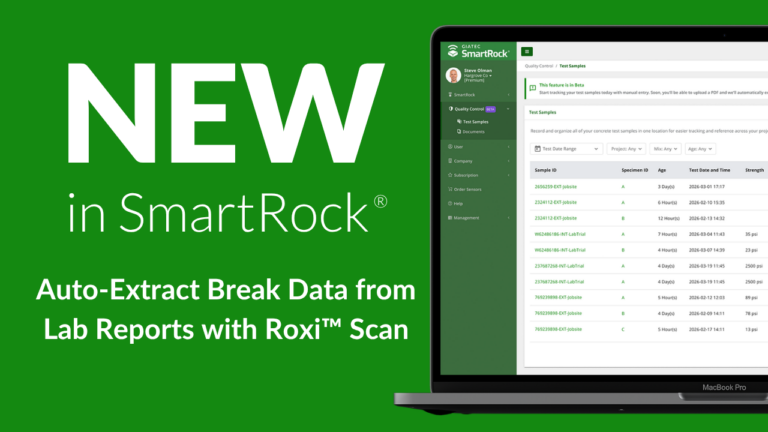
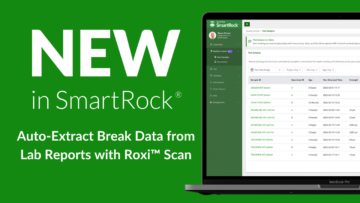
So, the Giatec team got to work, building stronger document management and a new feature called Roxi Scan, now available on the SmartRock Web dashboard! Your break data reports and in-situ concrete measurements, together in one place, with no manual data entry required.
What is Roxi Scan?
Whether you are a QC manager juggling break results from multiple labs across a dozen active sites, or a structural engineer trying to get a complete picture of concrete performance on a critical pour, Roxi Scan was built for you. You do not need to be a SmartRock sensor user to get started. The feature is fully accessible on its own, so any team looking to bring order to their QC documentation can start getting value from day one.
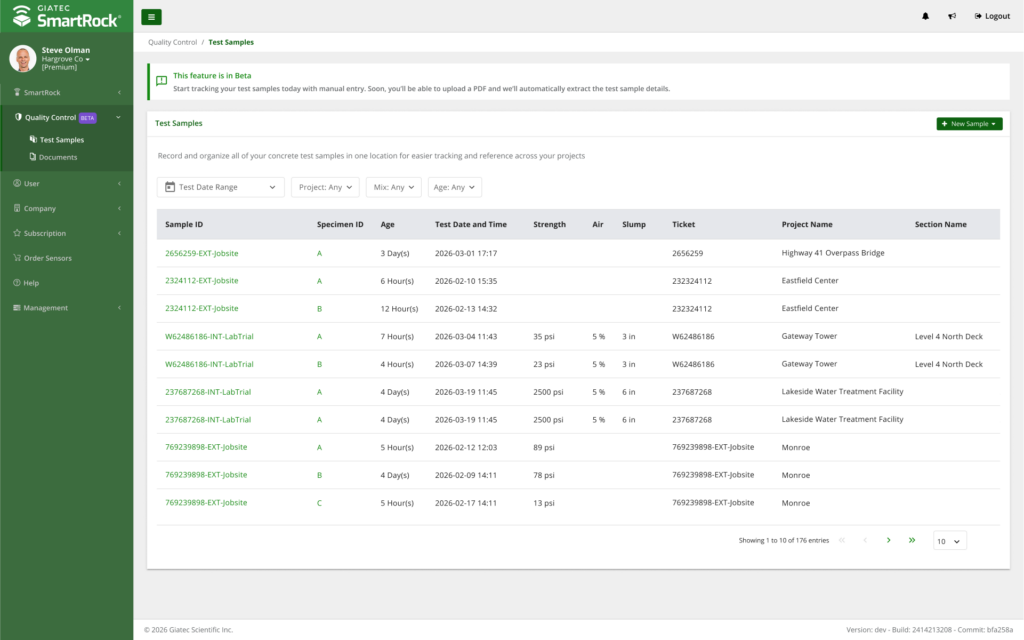
Roxi Scan is a feature built into the SmartRock Web dashboard that automatically extracts cylinder and cube break data directly from your uploaded lab reports. Instead of manually transferring numbers from a PDF into your system, you upload the report, and Roxi Scan reads it for you, pulling the data straight into your SmartRock records in seconds.
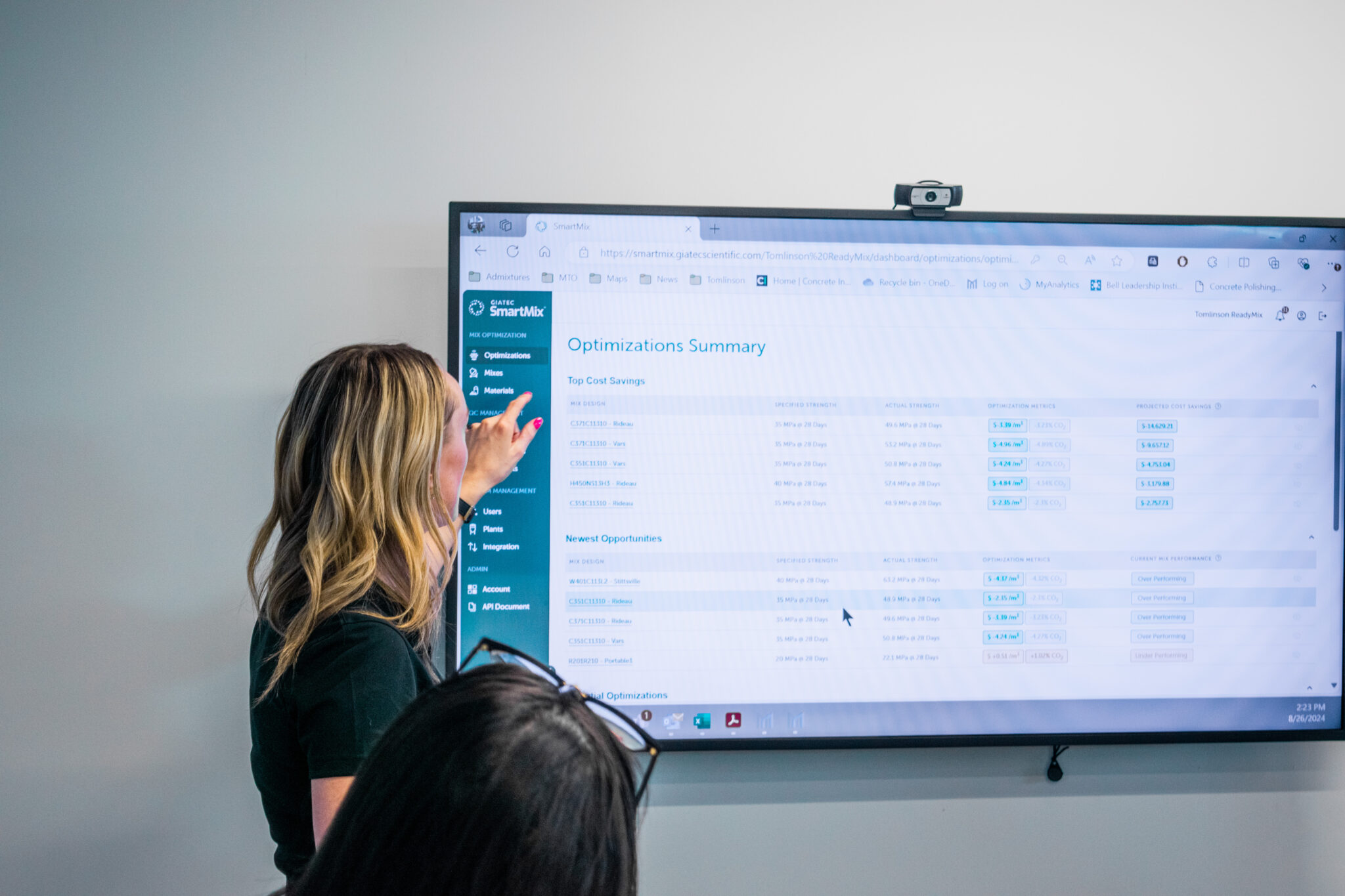
Roxi is not a simple document reader. It is an advanced AI capability that Giatec has been developing and refining across its product ecosystem for nearly two years. Originally built with the producer mindset in SmartMix, where it has been helping ready-mix operations analyze and optimize mix performance and flag issues before they become problems, Roxi is now being brought to the full Giatec platform. That history matters: the intelligence behind Roxi Scan understands concrete data in context, not just the characters on a page.
It is part of a broader quality control workflow inside SmartRock Web that connects your field sensor data, lab results, and project documentation in one place, giving every party involved in a project, from producers to labs to clients, visibility into the same up-to-date information.
How Can Roxi Scan Improve Workflows?
For concrete teams managing quality control across multiple projects, the benefits are immediate:
- Save time by eliminating manual data entry and duplicate work. Instead of re-keying break results from lab reports into a separate system, your team uploads the PDF and moves on.
- Improve accuracy by removing transcription errors. In concrete QC, a mistyped strength value can trigger unnecessary holds or, worse, let a real issue go unnoticed. Automated extraction removes that risk at the source.
- Centralize your data by keeping test results, lab reports, and project documents in one place. No more piecing together a project record from three different inboxes and a shared drive that half the team cannot find.
- Increase visibility across producers, labs, and project teams. When break data is captured consistently and stored centrally, project stakeholders stop waiting for someone to forward the right file and start working from the same up-to-date record.
- Strengthen quality tracking by bringing field sensor data and lab results into the same workflow. Trends that used to only surface when something went wrong can now be spotted earlier, giving your team time to act. And if you already have a document management system in place, Roxi Scan is built to connect with it. Through API support, you can plug Roxi Scan’s extraction capability directly into your existing workflow, so your team gets the intelligence without changing the tools they already use.
Manual Data Entry, A Thing of the Past
Here is what Roxi Scan looks like in practice:
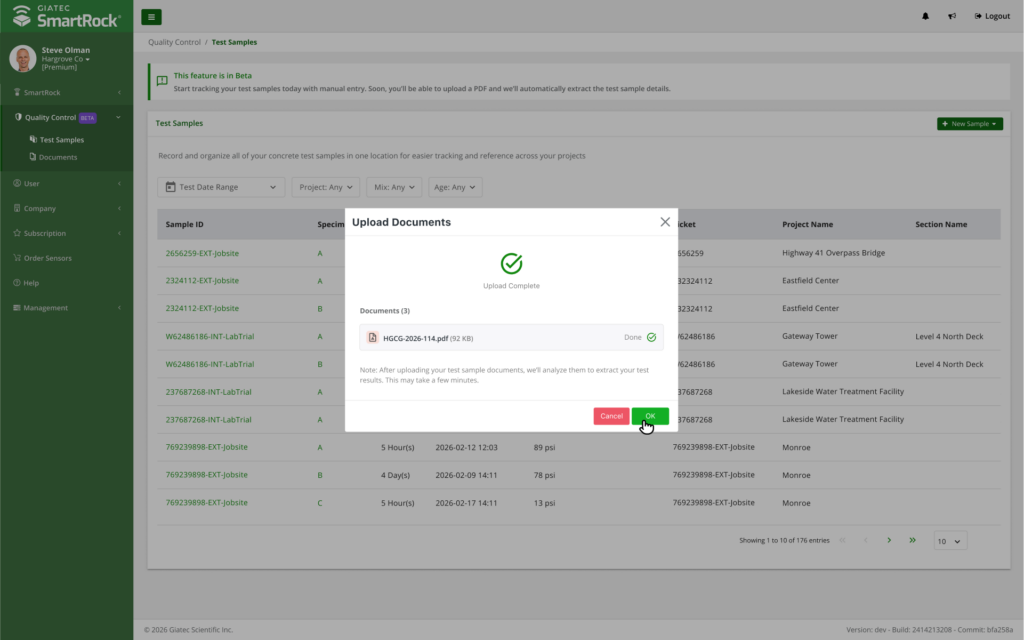
- Upload up to 10 PDFs at a time directly from your lab reports, with each document supporting multiple pages and multiple test results.
- SmartRock extracts the break data from each file automatically; no manual entry required.
- Data can be reviewed, edited, and organized after extraction, so your records are always accurate.
Stop Forwarding Attachments
Think about everything your team manages across a single project today: thermal control plans, mix design approvals, submittals, inspection reports, lab break reports, site photos. Most of that lives across inboxes, shared drives, and whoever remembers to save the latest version. With Document Management in SmartRock Web, all of it has one home, organized at the project level for quick access and full traceability.
Supported file types include PDF, JPG/JPEG, PNG, CSV, XLSX, and DOCX, so whatever format your documentation comes in, it fits.
Sharing is built into the workflow. Through the SmartRock and a flexible project permission system, producers, labs, and clients each access the documents and data relevant to their role, without seeing everything. The right information reaches the right people, without the back-and-forth of manual sharing and version confusion.
Your Data Has More to Tell You
Break reports are collected across multiple job sites, often reviewed only when something goes wrong. What used to require hours of manual consolidation, pulling reports, cross-referencing results, and looking for patterns, can now happen automatically inside SmartRock Web.
This is your data, and there is a lot to learn from it.
- How is a specific mix performing across different job sites?
- Are there outliers worth investigating?
- Are there trends developing that, if caught early, could prevent a real problem down the line?
With break data centralized and automatically extracted, those questions become answerable without a manual audit.
For teams that want to go further, Giatec is open to integration with any third-party system, whether that is a producer’s internal platform, a lab reporting system, or an existing reporting workflow. The goal is to make your data flow seamlessly, wherever it needs to go.
From First Pour to Final Break
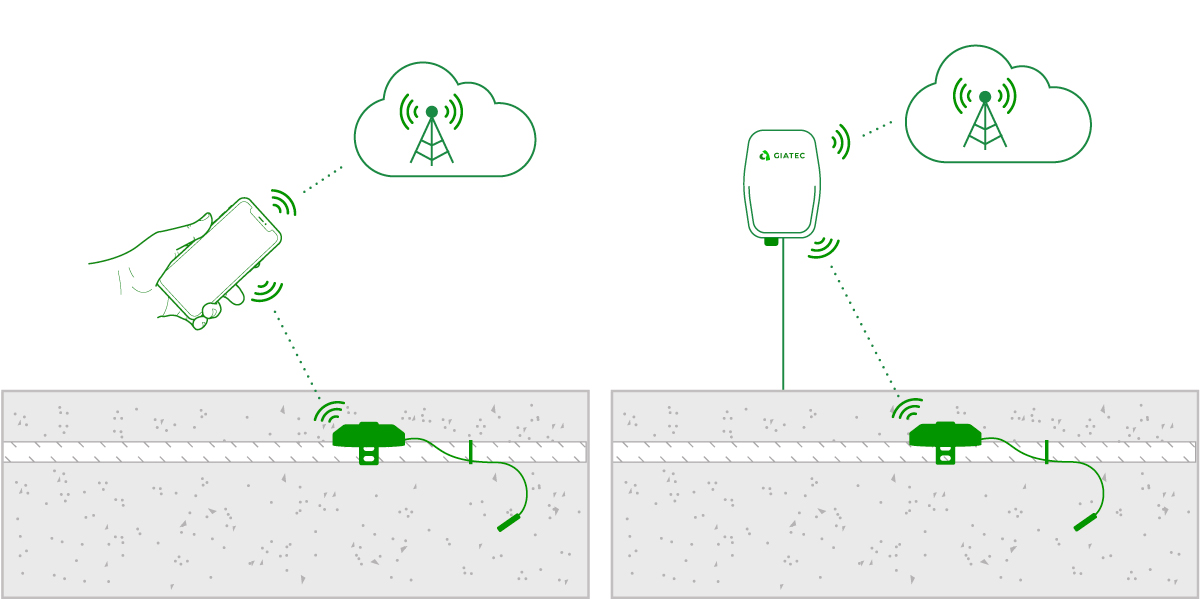
SmartRock has always given you real-time, in-place strength and temperature data. With Roxi Scan, from the moment a sensor goes into the concrete to the final lab break result, your full concrete quality record is now in one place, on one platform, with no manual steps in between.
For teams who have spent years working around fragmented tools, this is a meaningful shift in how your data works for you. By centralizing test data, documentation, and collaboration in one place, you lay the foundation for more efficient workflows, better data visibility, and stronger quality control across your projects.

Roxi Scan is available now on the SmartRock Web dashboard. Learn more here!